


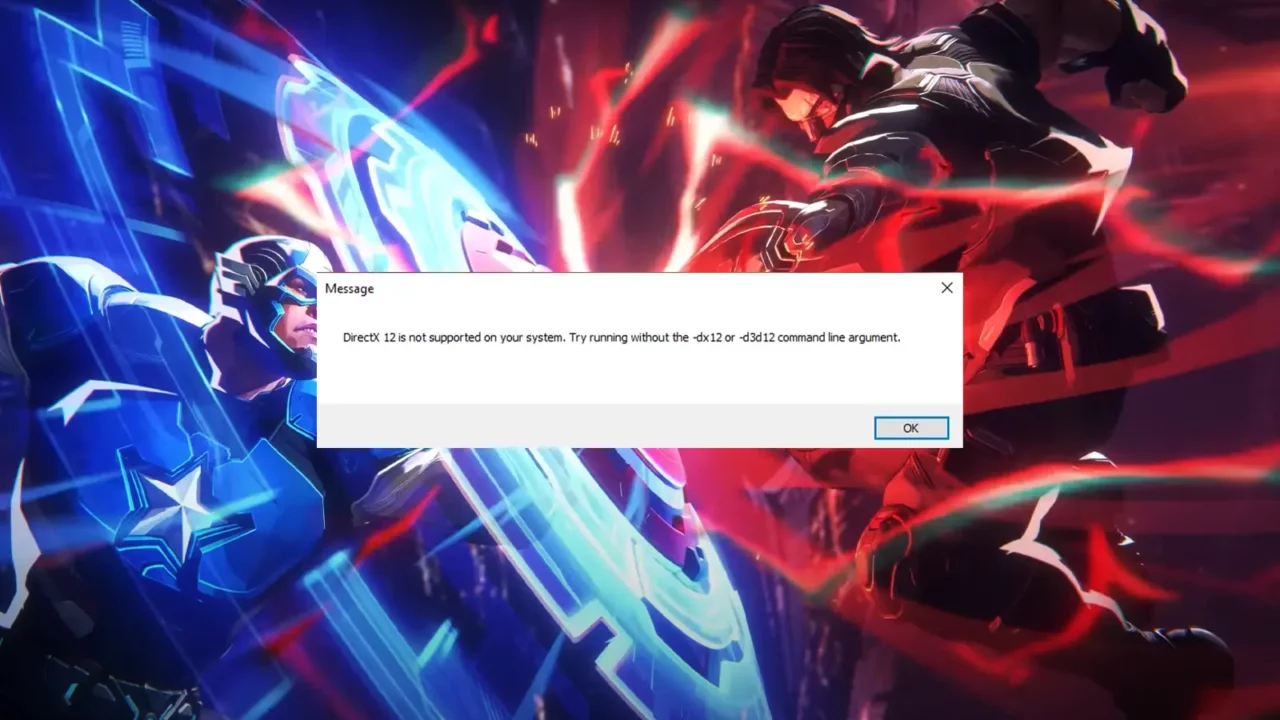
Facing the “DirectX 12 is not supported” error in Marvel Rivals? Here’s how to fix it!
Marvel Rivals, the latest 6v6 arena combat shooter from NetEase Games and Marvel Games, has taken the gaming scene by storm. Released today, it’s already topping Twitch streams and leading the Steam player count as the most-played game.
However, not everyone’s experience has been smooth sailing. Shortly after the game’s release, some players encountered an error when trying to launch Marvel Rivals. The error message reads: “DirectX 12 is not supported on your system. Try running without the -dx12 or -d3d12 command line argument.”
If you’ve run into this problem, don’t worry, we’re here to help you fix it.
Marvel Rivals “DirectX 12 Is Not Supported” Error Fix
This error usually means your system doesn’t meet the requirements to run DirectX 12, or your settings aren’t configured correctly. Here’s a step-by-step guide to get Marvel Rivals up and running.
Update your graphics card driver:
- Outdated drivers are a common cause of this error. Update your graphics card driver:
- For NVIDIA cards, download the latest driver from the NVIDIA website.
- For AMD cards, visit the AMD support page.
Update your Windows operating system:
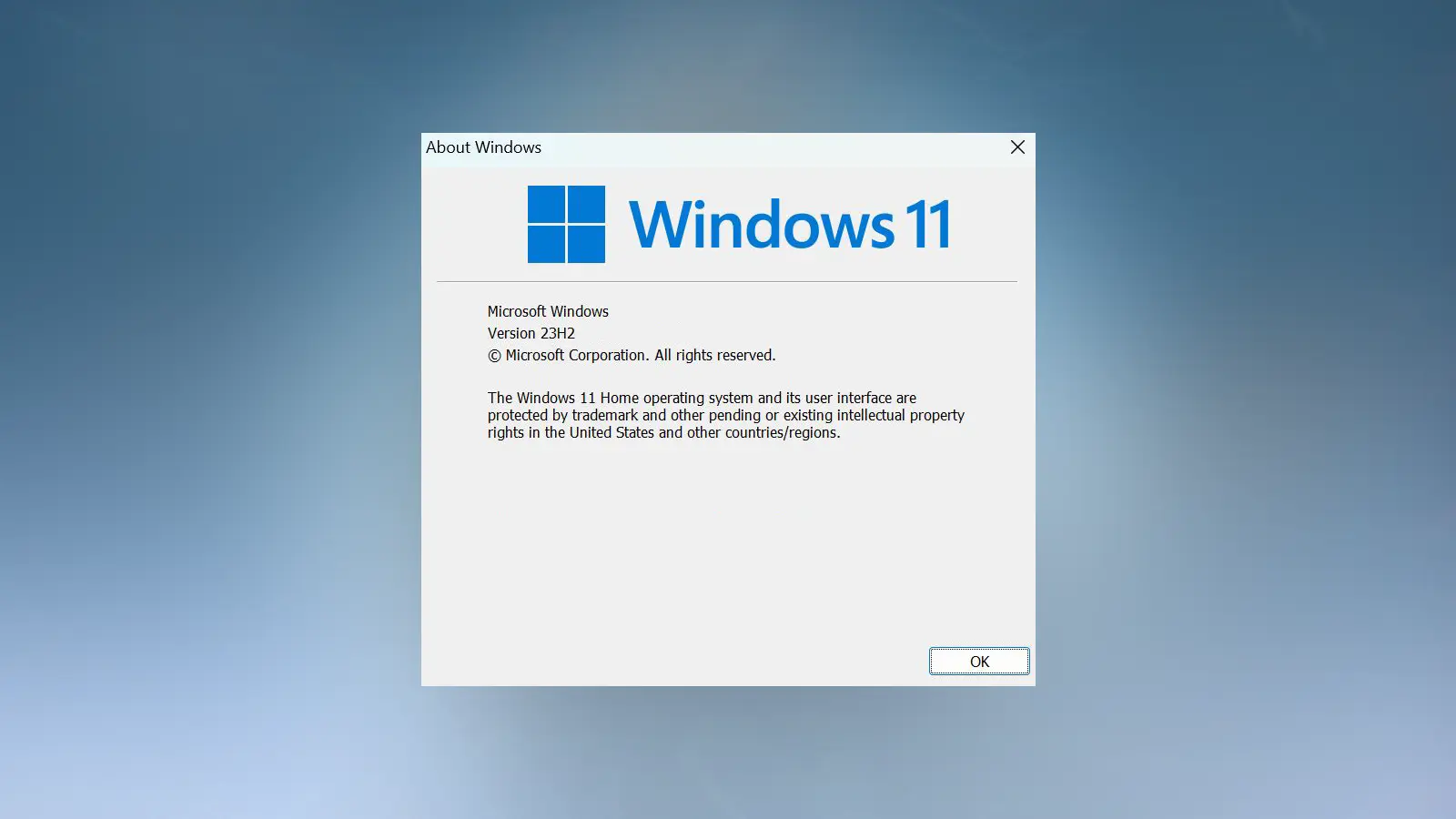
- Make sure you’re running Windows 10 64-bit version 1909 or later. To check your version:
- Press Win + R, type “winver,” and hit Enter.
- If your version is older than 1909, update your system through Windows Update.
Check your graphics card compatibility:
- Marvel Rivals requires a graphics card that supports DirectX 12. The minimum requirements are:
- NVIDIA GeForce GTX 1060 or
- AMD RX 580 or
- Intel Arc A380
- If your card doesn’t meet these specs, upgrading your hardware is necessary.
Double-check your DirectX settings:
- To confirm DirectX 12 is supported on your system:
- Press Win + R, type “dxdiag,” and press Enter.
- Look under the “Display” tab for the DirectX version.
Will There Be an Official Fix?
As of now, the developers haven’t issued an official statement about the DirectX 12 error. We’ll keep this article updated with any new information from them.
If you’re still having issues or your system doesn’t meet the game’s requirements, it is best to wait for the official announcement from the developer on Marvel Rivals social media channels or the game’s official Discord server.
While you’re here, check out our other guides for Marvel Rivals, including the complete list of trophies and achievements.
